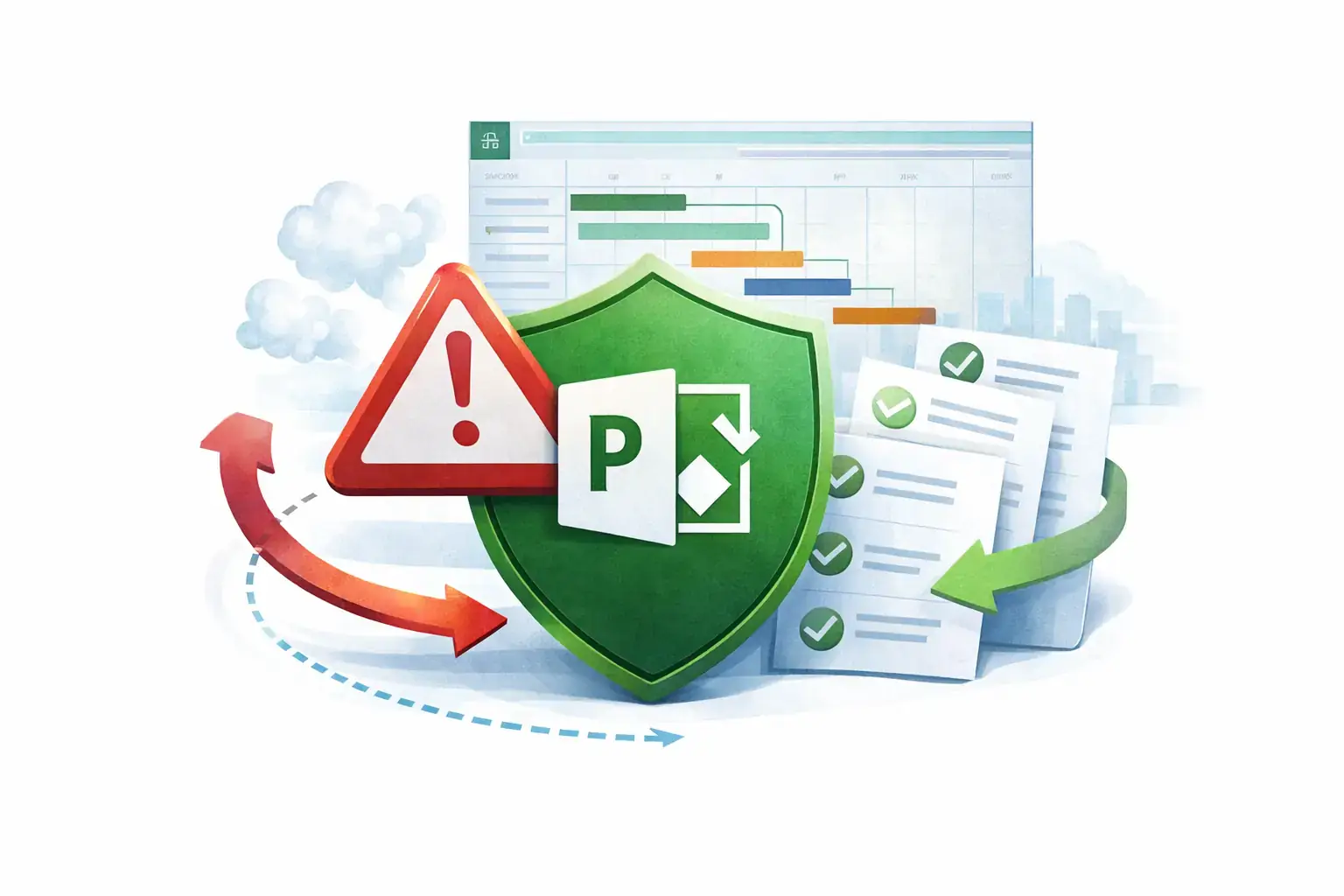
Introduction to MS Project and Risk Management
Effective tools are essential for navigating the complexities of project execution, particularly when it comes to managing risks. Microsoft Project (MS Project) stands out as a robust project management software that not only aids in planning and scheduling but also plays a crucial role in risk management.
Brief Introduction to MS Project as a Project Management Tool
MS Project is a comprehensive project management application designed to assist project managers in planning, executing, and monitoring projects efficiently. It offers a range of features that facilitate task management, resource allocation, and timeline tracking. With its user-friendly interface and powerful functionalities, MS Project enables project leaders to create detailed project plans, visualize progress through Gantt charts, and manage resources effectively. This tool is widely adopted across various industries, making it a staple for project managers seeking to enhance their project delivery capabilities.
Importance of Risk Management in Project Success
Risk management is a critical component of project management that involves identifying, assessing, and mitigating potential risks that could impact project objectives. Effective risk management is vital for several reasons:
- Prevention of Project Failures: By proactively identifying risks, project managers can implement strategies to mitigate them, reducing the likelihood of project delays or failures.
- Resource Optimization: Understanding potential risks allows project leaders to allocate resources more effectively, ensuring that contingency plans are in place.
- Stakeholder Confidence: A well-managed risk strategy enhances stakeholder trust and confidence, as it demonstrates a commitment to delivering projects on time and within budget.
- Improved Decision-Making: With a clear understanding of risks, project managers can make informed decisions that align with project goals and stakeholder expectations.
Overview of How MS Project Can Enhance Risk Management Efforts
MS Project enhances risk management efforts through several key features:
- Risk Identification and Tracking: MS Project allows users to create a risk register where potential risks can be documented, categorized, and prioritized. This centralized approach ensures that all team members are aware of existing risks and their potential impacts.
- Integration with Project Plans: Risks can be linked directly to specific tasks or milestones within the project plan, enabling project managers to visualize how risks may affect timelines and deliverables.
- Resource Allocation for Risk Mitigation: The software provides tools for resource management, allowing project leaders to allocate resources specifically for risk mitigation activities, ensuring that adequate support is available when needed.
- Reporting and Analysis: MS Project offers robust reporting capabilities that enable project managers to analyze risk data and generate reports for stakeholders. This transparency fosters better communication and facilitates informed decision-making.
Leveraging MS Project for risk management not only streamlines the process of identifying and mitigating risks but also enhances overall project success. By integrating risk management practices into their project plans, risk managers and project leaders can ensure that they are well-equipped to handle uncertainties and deliver successful outcomes.
Understanding Risk Management in Projects
Risk management is a fundamental aspect of project management that involves identifying, assessing, and prioritizing risks followed by coordinated efforts to minimize, monitor, and control the probability or impact of unfortunate events. It is a systematic process that helps project managers and teams to navigate uncertainties and ensure project success.
Definition of Risk Management and Its Processes
- Definition: Risk management is the process of identifying potential risks that could negatively impact a project, analyzing those risks, and developing strategies to mitigate or respond to them. This proactive approach is essential for maintaining project timelines, budgets, and overall quality.
- Processes: The risk management process typically includes the following steps:
- Risk Identification: Recognizing potential risks that could affect the project.
- Risk Analysis: Evaluating the likelihood and impact of identified risks.
- Risk Prioritization: Ranking risks based on their potential effect on project objectives.
- Risk Response Planning: Developing strategies to mitigate or eliminate risks.
- Risk Monitoring and Control: Continuously tracking risks and implementing response plans as necessary.
Types of Risks in Projects
Projects can encounter various types of risks, including:
- Financial Risks: These involve budget overruns, funding shortages, or unexpected costs that can jeopardize project viability.
- Operational Risks: Risks related to the day-to-day operations of the project, such as resource availability, process inefficiencies, or supply chain disruptions.
- Technical Risks: These include risks associated with technology failures, software bugs, or inadequate technical expertise that can hinder project progress.
- Regulatory Risks: Changes in laws or regulations that can impact project compliance and operations.
- Environmental Risks: External factors such as natural disasters or political instability that can affect project execution.
Consequences of Poor Risk Management on Project Outcomes
Ineffective risk management can lead to significant negative consequences for projects, including:
- Increased Costs: Unmanaged risks can result in unexpected expenses, leading to budget overruns and financial strain.
- Delays in Project Delivery: Risks that are not anticipated can cause project timelines to extend, resulting in missed deadlines and potential penalties.
- Compromised Quality: When risks are not adequately addressed, the quality of deliverables may suffer, leading to unsatisfactory outcomes and stakeholder dissatisfaction.
- Reputational Damage: Projects that fail due to poor risk management can harm the reputation of the organization, affecting future opportunities and stakeholder trust.
- Project Failure: In severe cases, unmanaged risks can lead to complete project failure, resulting in wasted resources and lost investments.
Effective risk management is crucial for the success of any project. By leveraging tools like MS Project, risk managers and project leaders can enhance their ability to identify, assess, and mitigate risks, ultimately leading to more successful project outcomes.
Core Risk Management Features of MS Project
Microsoft Project (MS Project) is a powerful tool that offers a range of features specifically designed to enhance risk management in project management. For risk managers and project leaders, understanding these capabilities can significantly improve the effectiveness of their risk management strategies. Here are some core features of MS Project that support risk management:
- Risk Identification through Task and Resource Allocation: MS Project allows users to allocate tasks and resources effectively, which is crucial for identifying potential risks early in the project lifecycle. By analyzing task dependencies and resource availability, project managers can pinpoint areas where risks may arise, such as over-allocated resources or critical path delays. This proactive approach enables teams to address issues before they escalate into significant problems.
- Integration of Risk Assessment Tools: MS Project integrates various risk assessment tools that facilitate the evaluation of potential risks. Users can create risk registers directly within the software, documenting identified risks along with their likelihood and impact. This integration allows for a centralized view of all risks associated with a project, making it easier to prioritize and manage them effectively.
- Utilization of Gantt Charts and Timelines: One of the standout features of MS Project is its Gantt chart functionality, which provides a visual representation of project timelines and task dependencies. This visualization is invaluable for risk management, as it allows project leaders to see how risks may impact project schedules. By identifying critical tasks and their associated risks, teams can develop contingency plans and adjust timelines accordingly to mitigate potential disruptions.
- Setting Up Alerts and Notifications: MS Project enables users to set up alerts and notifications for potential risks, ensuring that project teams are informed of any changes that may affect project outcomes. These alerts can be configured to notify team members of approaching deadlines, resource conflicts, or changes in task status. By keeping everyone informed, MS Project helps maintain a proactive stance on risk management, allowing teams to respond swiftly to emerging issues.
MS Project offers a robust suite of features that enhance risk management capabilities. By leveraging task and resource allocation, integrating risk assessment tools, utilizing Gantt charts for visualization, and setting up alerts, project managers can effectively identify, assess, and mitigate risks throughout the project lifecycle. This comprehensive approach not only improves project outcomes but also fosters a culture of proactive risk management within organizations.
Creating a Risk Management Plan in MS Project
Developing a structured risk management plan is crucial for the success of any project. Microsoft Project (MS Project) offers a range of features that can help risk managers and project leaders effectively identify, assess, and mitigate risks throughout the project lifecycle. Here’s a step-by-step guide on how to leverage MS Project for creating a comprehensive risk management plan.
Step-by-Step Process for Developing a Risk Management Plan
- Define Risk Categories: Start by identifying the different categories of risks that may affect your project. This could include technical risks, financial risks, operational risks, and external risks. MS Project allows you to create custom fields where you can categorize these risks for better organization.
- Identify Risks: Conduct brainstorming sessions with your project team to identify potential risks. Use MS Project’s task list to document these risks as individual tasks. This helps in visualizing risks alongside project activities.
- Assess Risks: For each identified risk, assess its impact and likelihood. You can create a risk matrix within MS Project by using custom fields to assign a score for impact and probability. This quantitative approach helps prioritize risks based on their severity.
- Develop Mitigation Strategies: For high-priority risks, outline specific mitigation strategies. MS Project allows you to link these strategies to the corresponding risks, ensuring that they are easily accessible and actionable.
- Assign Responsibilities: Clearly define who is responsible for monitoring and managing each risk. Use the resource assignment feature in MS Project to allocate team members to specific risks, ensuring accountability.
- Monitor and Review: Regularly review the risk management plan throughout the project. MS Project’s tracking features enable you to update the status of risks and mitigation strategies, allowing for real-time adjustments as the project progresses.
Using Templates and Built-in Features for Documentation
MS Project provides various templates that can streamline the creation of a risk management plan. Utilizing these templates can save time and ensure that all necessary components are included. Additionally, the built-in features such as Gantt charts and dashboards can help visualize risks and their impact on the project timeline.
- Templates: Look for risk management templates within MS Project that can be customized to fit your project’s needs. These templates often include predefined fields for risk description, impact, likelihood, and mitigation strategies.
- Documentation: Use the notes section in MS Project to document detailed descriptions of each risk, including potential triggers and response plans. This centralized documentation helps keep all team members informed.
Linking Risks to Project Tasks and Milestones
One of the key advantages of using MS Project is the ability to link risks directly to project tasks and milestones. This integration allows for a more dynamic approach to risk management:
- Task Linking: By linking risks to specific tasks, you can easily track how risks may impact project deliverables. For example, if a risk is identified that could delay a task, you can adjust timelines and resources accordingly.
- Milestone Tracking: Linking risks to milestones helps in monitoring critical points in the project. If a risk materializes, you can quickly assess its effect on upcoming milestones and make necessary adjustments to keep the project on track.
MS Project is a powerful tool for risk management in project management. By following a structured approach to creating a risk management plan, utilizing templates, and linking risks to tasks and milestones, risk managers and project leaders can enhance their ability to anticipate and mitigate risks effectively. This proactive approach not only safeguards project objectives but also contributes to overall project success.
Monitoring and Mitigating Risks with MS Project
Effective risk management is crucial for the success of any project. Microsoft Project (MS Project) offers a robust platform that empowers risk managers and project leaders to monitor and mitigate risks effectively. Here are some key benefits of leveraging MS Project for risk management:
- Continuous Risk Assessment: MS Project allows project teams to conduct ongoing risk assessments throughout the project lifecycle. By integrating risk management into the project plan, teams can identify potential risks early and evaluate their impact on project objectives. This proactive approach enables teams to prioritize risks based on their likelihood and potential consequences, ensuring that critical risks are addressed promptly.
- Tracking Risk Response Actions: One of the standout features of MS Project is its ability to track risk response actions and their effectiveness. Project managers can assign specific tasks related to risk mitigation, monitor their progress, and evaluate the outcomes. This tracking capability ensures that risk responses are not only implemented but also assessed for their effectiveness, allowing teams to learn from past experiences and refine their risk management strategies.
- Real-Time Adjustments to Project Plans: MS Project facilitates real-time adjustments to project plans based on ongoing risk analysis. When new risks are identified or existing risks evolve, project leaders can quickly modify schedules, resources, and budgets to accommodate these changes. This flexibility is essential for maintaining project momentum and ensuring that risks do not derail project objectives. By visualizing the impact of risks on the project timeline, teams can make informed decisions that align with overall project goals.
MS Project serves as a powerful tool for risk managers and project leaders, enabling them to continuously assess risks, track the effectiveness of mitigation strategies, and adjust project plans in real-time. By leveraging these capabilities, organizations can enhance their risk management processes, ultimately leading to more successful project outcomes.
Conclusion: The Strategic Advantage of MS Project in Risk Management
Effective risk management is crucial for the success of any project. Microsoft Project (MS Project) offers a robust suite of tools that can significantly enhance the way risk managers and project leaders approach risk assessment and mitigation. Here’s a recap of the key benefits discussed throughout this post:
- Comprehensive Risk Identification: MS Project allows users to systematically identify potential risks by integrating risk registers directly into project plans. This ensures that all team members are aware of potential issues from the outset, fostering a proactive approach to risk management.
- Enhanced Risk Analysis: The software provides various analytical tools that help in assessing the impact and likelihood of identified risks. By utilizing features such as Gantt charts and dashboards, project leaders can visualize risk data, making it easier to prioritize and strategize responses.
- Effective Risk Mitigation Planning: MS Project facilitates the development of detailed risk response plans. Users can assign responsibilities, set deadlines, and track the progress of mitigation strategies, ensuring that risks are managed in a timely manner.
- Real-Time Monitoring and Reporting: One of the standout features of MS Project is its ability to provide real-time updates on project status, including risk management efforts. This transparency allows for quick adjustments to be made as new risks emerge or existing risks evolve.
- Integration with Other Tools: MS Project seamlessly integrates with other Microsoft tools, such as Excel and SharePoint, enabling risk managers to leverage additional data and resources. This interconnectedness enhances collaboration and information sharing across teams.
Given these advantages, it is clear that adopting MS Project can lead to enhanced risk management capabilities within projects. By utilizing its features, risk managers and project leaders can not only identify and mitigate risks more effectively but also foster a culture of risk awareness within their teams.
Find out more about Shaun Stoltz https://www.shaunstoltz.com/about/.
This post was written by an AI and reviewed/edited by a human.