Introduction to Visual Storytelling in Project Management
Effective communication is paramount. One innovative approach that has gained traction is visual storytelling, a technique that leverages visual elements to convey information and engage audiences. This method transforms complex data into compelling narratives, making it easier for team members to grasp project goals, progress, and challenges.
Defining Visual Storytelling
Visual storytelling is the art of using visuals—such as images, infographics, and charts—to tell a story. It combines narrative elements with visual aids to create a more impactful message. In project management, this approach is particularly valuable as it helps to:
- Simplify Complex Information: By presenting data visually, project managers can distill intricate details into digestible formats, allowing team members to quickly understand key points.
- Enhance Retention: Studies show that people retain information better when it is presented visually. This is crucial in project settings where team members must remember timelines, responsibilities, and objectives.
- Foster Engagement: Visuals can capture attention and stimulate interest, making team meetings and presentations more dynamic and interactive.
The Role of Project Charts as a Storytelling Tool
Project charts, including Gantt charts, pie charts, and bar graphs, serve as powerful storytelling tools within project management. They provide a visual representation of project data, allowing teams to see the bigger picture at a glance. Here’s how project charts contribute to visual storytelling:
- Progress Tracking: Gantt charts illustrate project timelines and milestones, enabling teams to visualize progress and identify potential delays. This clarity helps in aligning efforts and maintaining momentum.
- Resource Allocation: Charts can depict resource distribution, highlighting areas of over- or under-utilization. This visual insight aids in making informed decisions about reallocating resources effectively.
- Performance Metrics: By using bar graphs or line charts to display key performance indicators (KPIs), project managers can communicate successes and areas needing improvement, fostering a culture of accountability and continuous improvement.
Benefits of Using Charts to Motivate and Align Teams
Incorporating project charts into team communications offers several benefits that can significantly enhance motivation and alignment:
- Clarity and Transparency: Visual representations of data promote transparency, allowing team members to see how their contributions fit into the overall project narrative. This clarity fosters a sense of ownership and accountability.
- Increased Collaboration: When teams can visualize project timelines and goals, they are more likely to collaborate effectively. Charts can serve as focal points for discussions, encouraging input and feedback from all team members.
- Motivation Through Visualization: Seeing progress visually can be a powerful motivator. Charts that highlight completed tasks or milestones can boost morale and encourage teams to strive for the next goal.
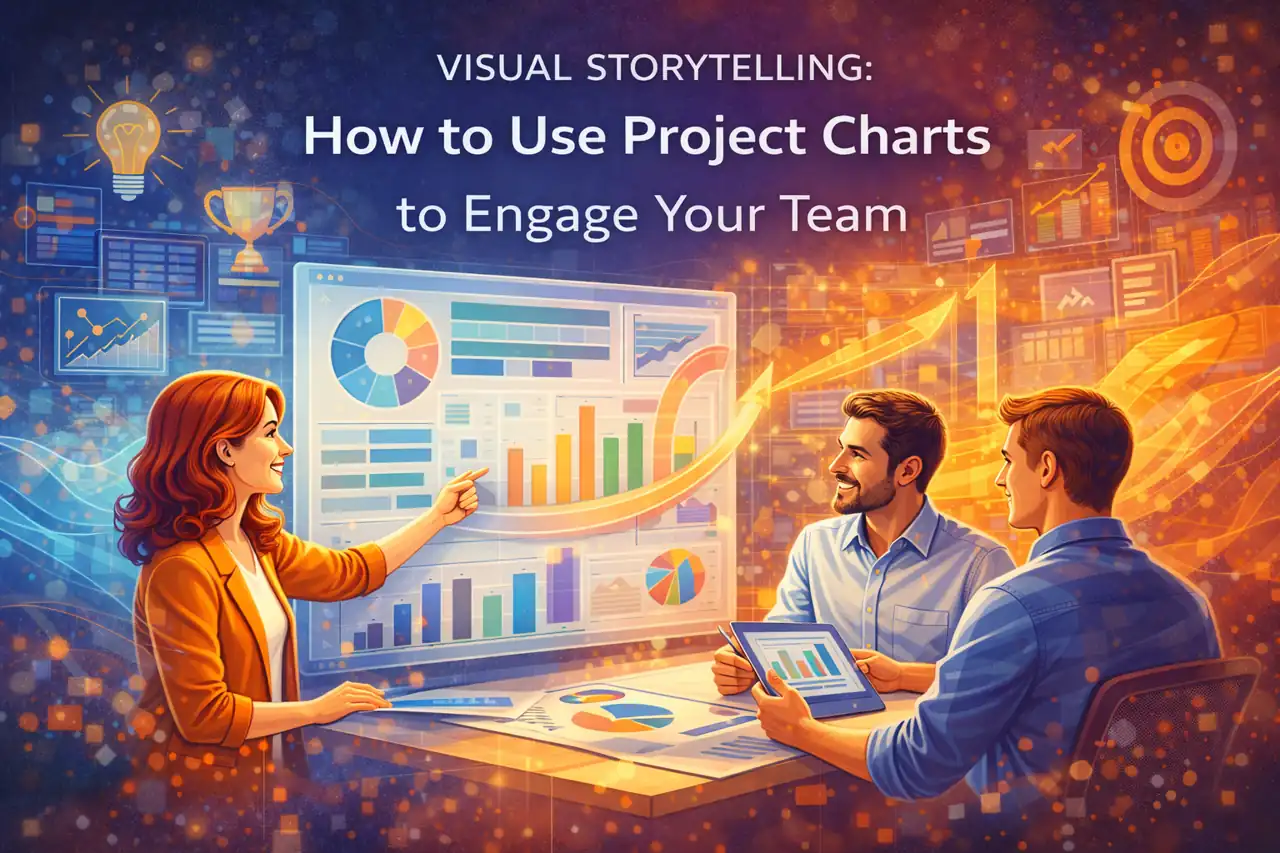
Visual storytelling through project charts is an essential strategy for team leaders and project managers aiming to engage their teams effectively. By harnessing the power of visuals, project managers can create compelling narratives that not only inform but also inspire and align their teams towards common objectives.
Understanding Project Charts: Types and Uses
Visual tools play a crucial role in conveying information effectively and engaging team members. Project charts are not just data representations; they are powerful storytelling tools that can motivate and align teams towards common goals. Below is an overview of common project charts, their purposes, and examples of situations where each can be effectively utilized.
1. Gantt Charts
Overview: Gantt charts are horizontal bar charts that illustrate a project schedule. They display the start and finish dates of various elements of a project, allowing for a clear visual representation of timelines.
Purpose: The primary purpose of Gantt charts is to provide a visual timeline for project tasks, showing how they overlap and their dependencies. This helps teams understand the sequence of activities and manage time effectively.
Example Use: Gantt charts are particularly useful in project planning phases. For instance, when launching a new product, a Gantt chart can outline the timeline for market research, product development, and marketing campaigns, ensuring all team members are aware of deadlines and responsibilities.
2. Pie Charts
Overview: Pie charts are circular charts divided into slices to illustrate numerical proportions. Each slice represents a category’s contribution to the whole, making it easy to visualize parts of a whole.
Purpose: The main purpose of pie charts is to show relative sizes of data points, making it easier to compare different segments of a project or resource allocation.
Example Use: Pie charts can be effectively utilized in stakeholder presentations to show budget distribution across various project components. For example, a pie chart could illustrate how much of the budget is allocated to research, development, marketing, and operations, helping stakeholders quickly grasp financial priorities.
3. Bar Graphs
Overview: Bar graphs use rectangular bars to represent data values. The length of each bar correlates with the value it represents, making it easy to compare different categories.
Purpose: Bar graphs are ideal for comparing quantities across different categories, allowing teams to visualize performance metrics or resource allocation.
Example Use: In a project performance review, bar graphs can be used to compare the completion rates of different tasks or phases. For instance, a bar graph could display the percentage of tasks completed on time versus those that are delayed, providing a clear visual of project health.
4. Flowcharts
Overview: Flowcharts are diagrams that represent processes or workflows. They use various shapes to denote different types of actions or steps in a process, connected by arrows to show the flow of information or tasks.
Purpose: The purpose of flowcharts is to simplify complex processes, making it easier for teams to understand workflows and identify potential bottlenecks.
Example Use: Flowcharts are particularly useful in process mapping. For example, when onboarding new team members, a flowchart can outline the steps involved, from initial training to project assignment, ensuring clarity and consistency in the onboarding process.
Utilizing project charts effectively can transform how teams engage with project data. By selecting the appropriate chart type for specific situations, project managers and team leaders can enhance communication, foster collaboration, and ultimately drive project success. Whether it’s a Gantt chart for scheduling, a pie chart for budget distribution, a bar graph for performance comparison, or a flowchart for process mapping, each chart serves as a visual storytelling tool that can motivate and align teams towards achieving their objectives.
The Psychology of Visuals in Engagement
Effective communication is crucial for team success. One powerful method to enhance communication and engagement is through the use of project charts. These visual tools not only convey information but also tell a story that can motivate and inspire teams. Understanding the psychology behind visual learning and memory retention can significantly impact how project managers and team leaders utilize charts to engage their teams.
The Psychology Behind Visual Learning and Memory Retention
Research indicates that humans are inherently visual learners. Approximately 65% of the population are visual learners, meaning they retain information better when it is presented visually rather than through text alone. This preference for visual information is rooted in the brain’s processing capabilities; visuals are processed 60,000 times faster than text. This rapid processing allows team members to grasp concepts quickly, leading to improved understanding and retention of information.
Moreover, visuals can evoke emotional responses, which are critical for engagement. When team members see a chart that illustrates progress or highlights challenges, they are more likely to connect emotionally with the project. This emotional connection can foster a sense of ownership and accountability, motivating team members to contribute actively to the project’s success.
Simplifying Complex Information
Project charts serve as an effective means to simplify complex information. In project management, data can often be overwhelming, filled with intricate details and technical jargon. Charts, such as Gantt charts, pie charts, and bar graphs, distill this information into digestible formats. For instance, a Gantt chart visually represents project timelines, making it easier for team members to understand deadlines and dependencies at a glance.
By breaking down complex data into visual formats, project managers can help their teams focus on key insights without getting lost in the details. This simplification not only aids comprehension but also enhances decision-making processes, as team members can quickly identify trends and patterns that may not be immediately apparent in raw data.
Supporting Statistics and Studies
Numerous studies underscore the effectiveness of visual data representation in enhancing engagement and retention. For example:
- A study published in the Journal of Educational Psychology found that students who learned with visual aids scored 38% higher on tests than those who learned through traditional methods.
- According to a report by 3M, visuals can improve learning by up to 400%, highlighting the significant impact of visual tools in educational and professional settings.
- Research from HubSpot indicates that content with relevant images gets 94% more views than content without images, emphasizing the importance of visuals in capturing attention.
These statistics illustrate that incorporating project charts into team communications not only enhances engagement but also improves overall project outcomes. By leveraging the power of visuals, project managers can create a more motivated and informed team, ultimately leading to greater success in project execution.
The integration of project charts as storytelling tools in project management is not just a trend; it is a strategic approach grounded in psychological principles. By understanding how visuals impact engagement and retention, team leaders can effectively motivate their teams and drive projects forward with clarity and purpose.
Crafting Your Project Narrative with Charts
Effective communication is crucial for team engagement and motivation. One powerful way to convey complex project data is through the use of project charts. These visual tools not only simplify information but also help in crafting a compelling narrative that resonates with your team. Here’s how you can leverage project charts to tell your project story effectively.
Steps to Analyze Project Data and Identify Key Messages
- Gather Relevant Data: Start by collecting all pertinent project data, including timelines, budgets, resource allocations, and performance metrics. This foundational step ensures that your narrative is based on accurate and comprehensive information.
- Identify Trends and Insights: Analyze the data to uncover trends, patterns, and insights. Look for significant milestones, potential risks, and areas of success. This analysis will help you pinpoint the key messages you want to communicate to your team.
- Define Your Narrative: Based on the insights gathered, define the core message of your project narrative. What do you want your team to understand or feel? This could range from celebrating achievements to addressing challenges that need collective effort.
How to Select the Right Chart to Represent Specific Data Narratives
- Understand Chart Types: Familiarize yourself with various chart types and their best use cases. For instance:
- Bar Charts: Ideal for comparing quantities across different categories.
- Line Charts: Effective for showing trends over time.
- Pie Charts: Useful for illustrating proportions within a whole.
- Gantt Charts: Perfect for visualizing project timelines and task dependencies.
- Match Chart Type to Message: Choose a chart that aligns with the specific message you want to convey. For example, if you want to highlight progress over time, a line chart would be more effective than a pie chart.
- Consider Your Audience: Tailor your chart selection to the preferences and understanding of your audience. Ensure that the chosen chart type is easily interpretable by your team members, regardless of their data literacy.
Tips for Designing Visually Appealing and Informative Charts
- Keep It Simple: Avoid cluttering your charts with excessive information. Focus on the key data points that support your narrative. A clean and straightforward design enhances comprehension.
- Use Color Wisely: Employ a color scheme that is both visually appealing and functional. Use contrasting colors to differentiate between data sets, but ensure that the palette is not overwhelming. Consistency in color usage across charts can also help reinforce your narrative.
- Incorporate Labels and Annotations: Clearly label axes, data points, and any significant trends or insights. Annotations can provide context and guide your audience through the narrative you are presenting.
- Test for Clarity: Before presenting your charts to the team, test them with a small group to gather feedback. Ensure that the charts effectively communicate the intended message and are easily understood.
By following these guidelines, team leaders and project managers can harness the power of project charts to create a compelling narrative that not only informs but also motivates their teams. Visual storytelling through charts can transform data into a shared vision, fostering collaboration and engagement throughout the project lifecycle.
Best Practices for Implementing Project Charts in Your Team
Visual storytelling through project charts can significantly enhance team engagement and motivation. Here are some best practices for effectively integrating charts into your team dynamics:
1. Integrate Charts into Team Meetings and Project Updates
- Use Charts to Summarize Key Information: Begin meetings with a visual overview of project status using charts. This can include Gantt charts for timelines, pie charts for resource allocation, or bar graphs for performance metrics. Visuals help in quickly conveying complex information, making it easier for team members to grasp the current state of the project.
- Highlight Progress and Milestones: Regularly update charts to reflect progress against goals. This not only keeps the team informed but also celebrates achievements, fostering a sense of accomplishment and motivation. For instance, a burndown chart can visually represent work completed versus work remaining, encouraging team members to stay on track.
2. Encourage Team Member Contributions
- Collaborative Chart Creation: Involve team members in the creation of charts. This can be done through brainstorming sessions where everyone contributes ideas on what data should be visualized. When team members have a hand in the creation process, they are more likely to feel ownership and engagement with the charts.
- Feedback Loops: After presenting charts, solicit feedback from the team. Ask questions like, “What insights do you draw from this chart?” or “How can we improve this visualization?” This not only enhances the quality of the charts but also encourages a culture of open communication and collaboration.
3. Tools and Software Recommendations
- User-Friendly Charting Tools: Utilize software that simplifies the creation of charts. Tools like Microsoft Excel, Google Sheets, and Tableau offer intuitive interfaces for generating various types of charts. These platforms often come with templates that can save time and ensure consistency in design.
- Project Management Software with Chart Features: Consider using project management tools like Asana, Trello, or Monday.com, which often include built-in charting capabilities. These tools allow for real-time updates and easy sharing among team members, ensuring everyone has access to the latest information.
- Visualization Software: For more advanced needs, software like Lucidchart or Visio can be used to create detailed flowcharts and diagrams. These tools are particularly useful for mapping out complex processes or workflows, providing clarity and direction for the team.
By implementing these best practices, team leaders and project managers can effectively use project charts as a storytelling tool, enhancing communication, collaboration, and motivation within their teams. Engaging visuals not only make data more accessible but also foster a shared understanding of project goals and progress, ultimately driving project success.
Conclusion: Empowering Your Team Through Visual Data
The ability to convey complex information in an easily digestible format is crucial. Project charts serve as powerful storytelling tools that can significantly enhance team engagement and motivation. Here are the key takeaways regarding the use of project charts:
- Importance of Project Charts: Utilizing project charts allows team leaders and project managers to present data visually, making it easier for team members to grasp project progress, timelines, and resource allocation. This visual representation not only clarifies information but also helps in highlighting key milestones and potential challenges, fostering a shared understanding among team members.
- Continuous Learning and Adaptation: Project management is ever-evolving, and so should the tools we use. Embracing a culture of continuous learning and adaptation is essential. By regularly exploring new visual tools and techniques, project managers can enhance their storytelling capabilities, ensuring that their teams remain engaged and informed. This adaptability can lead to improved collaboration and innovation within the team.
Leveraging project charts not only empowers teams through clear communication but also fosters a collaborative environment where everyone feels informed and motivated. By integrating these visual tools into your project management practices, you can enhance team dynamics and drive project success.
Find out more about Shaun Stoltz https://www.shaunstoltz.com/about/.
This post was written by an AI and reviewed/edited by a human.